Spiris API Integration
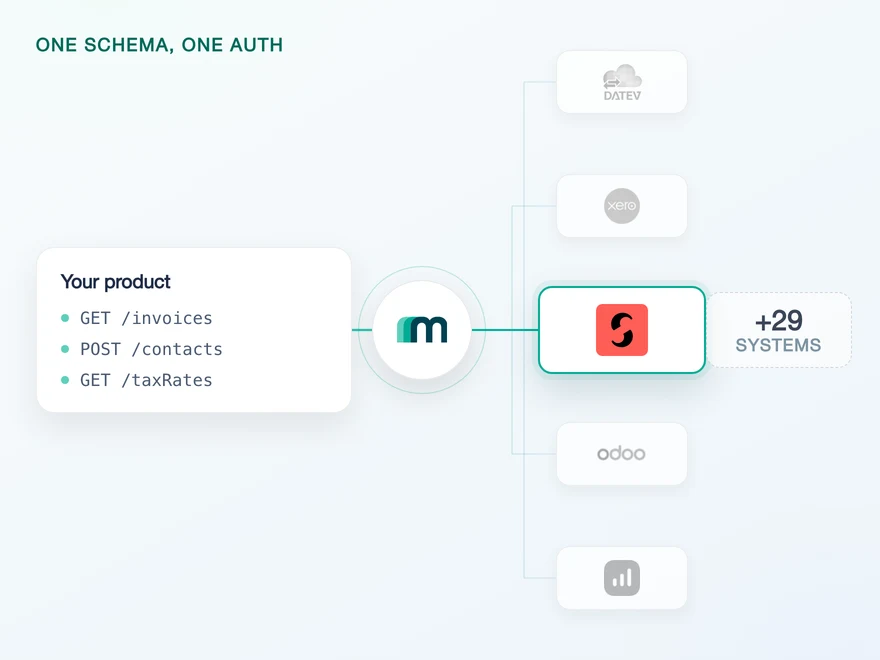
Spiris is the Swedish name of Visma eAccounting, and it used to be called SPCS. Behind all three names sits one target system on one API, which is why a connection built for a Norwegian customer already reaches a Swedish one. Maesn holds the token lifecycle, the paging and the regional setup behind a single REST interface, and your product never has to know which of the names a customer uses.













Spiris, SPCS and eAccounting name one system
Most of the work on this system is not the endpoints. It is the naming, the scope declaration that cannot be widened later without going back to every customer, and a token that dies without telling anyone. Here is what you do not build.
You integrate once, not per market
Sweden says Spiris, Norway and the Netherlands say eAccounting, and older Swedish material says SPCS. They resolve to the same target system, so there is no second implementation and no mapping table in your code.
The declaration is made once, on this side
This system wants its scopes stated precisely before the first customer connects rather than requested as you go. Maesn submits them with the credentials, so the decision is made once instead of per connection.
The whole set arrives, not the first page of it
The system returns 50 results per page by default and does not object if nobody asks for the rest, so a sync written without explicit paging reports success and returns part of the data. Maesn pages every collection endpoint, so what arrives is complete.
What is left for you is the read you actually wanted, on the same shape you use for every other accounting system you connect.
A short call is usually enough to tell whether Maesn fits your use case.
Three reasons to reach the Spiris API through Maesn
Building straight against this system is not hard because the API is hard. It is hard because three things about it only become visible after you have shipped.
One connection covers three markets
A Swedish customer on Spiris and a Norwegian customer on eAccounting are the same integration. Built directly, you would discover that after treating them as two, and the discovery usually comes from a sales conversation rather than from the documentation.
The callback URL is not yours to set
The redirect address of the application has to be changed by Visma on request, not in a settings screen. That is a support conversation in the middle of your build, and it is the kind of dependency that is easy to plan around and expensive to meet unplanned.
The same shape as the systems next to it
Reading a customer record here and reading one on a German or Dutch system returns the same object through Maesn. Without that, every market you enter adds a second data model to your product rather than a second connection.
One Spiris connection also reaches Norway and the Netherlands
The most useful thing to know about this system commercially is that it is not several systems. What changes across its markets is the name a customer says, not the API behind it.
Sweden calls it Spiris and called it SPCS before that. Norway and the Netherlands call it eAccounting. All three names resolve to one target system on one API, so a Swedish customer and a Norwegian customer are the same integration rather than two. Nothing in your product has to branch on which name appears on their invoice.
That matters most at the point where it is easiest to get wrong, which is planning. Teams regularly scope a second integration for the Swedish market before discovering that the work was already done. The direction that costs more is the other one: assuming the names are one system when they are not. Visma runs several products that genuinely are separate, on their own APIs, and the way to tell them apart is the Visma portfolio rather than the brand a prospect mentions.
The technical detail behind this page therefore lives with the target system, and it is written up in full on the Visma eAccounting API integration page. Everything below applies to a Spiris account because it is that system.
Spiris scopes are declared before the first customer connects
Spiris authenticates with OAuth 2.0, and two details separate it from the OAuth systems next to it. The scopes are declared precisely and in advance rather than requested as you go, so what your application can reach is settled before the first customer connects. And the token is invalidated silently when a user changes their password, with no notification and no error until something calls. The company selection sits on Visma's side of the consent flow, and in Sweden it is regularly an accounting office doing the picking.
- OAuth 2.0
- Scopes declared up front, three values submitted once
- Three credentials and the scope declaration
- Client id, client secret and subscription key, submitted once and reused for every customer regardless of which market they are in. The scope set is declared alongside them rather than negotiated per connection.
- The refresh, per tenant
- Token refresh runs per tenant on this side, so the lifecycle is not something your product schedules or stores per customer.
Declaring scopes up front is worth planning around rather than working around. Widening them later means going back to every connected customer for a fresh approval, so what your product might need in a year belongs in the conversation before the first one connects.
- 1
Your customer starts in your product
You send them into the flow and Maesn opens the consent screen. It carries your application's name, because the application is registered under your company.
- 2
They approve the declared scopes
The screen shows what was declared in advance, and it asks which company the connection is for. Where an accounting office connects on a client's behalf, that choice is the one step worth getting right.
- 3
You work with one account key
Maesn stores the connection and returns an account key. Every request carries your Maesn API key plus that key, whichever of the regional brands the customer runs.
Spiris data stays fresh on one scheduled read
Spiris sends no native events, so freshness here is a scheduled read, and that read runs on the same filter and the same pagination as every other system you connect. Events on a particular object are available on request.
Nothing: the system carries no native event stream, so a change inside a customer's account is visible once something reads it. Where events on a particular object matter to your product, that is what the on demand column is for.
One scheduled read, on the same filter and the same pagination as every other system you connect, with the paging handled on this side rather than left to a default that stops after the first page.
The paging matters more here than the missing events, because it fails without saying so. A read that stops at the first 50 records returns a valid response and an incomplete answer, and nothing in the payload marks the difference.
The paging is the part worth planning for, because a read that stops at fifty records returns a valid response and an incomplete answer. One way to filter and page turns that from something you have to remember into something you do not, and the event model is where a Spiris object lands the day one of these events is switched on.
What a Spiris integration needs before the first call
Three things have to exist before any code runs, and one of them takes longer than the others because it involves a third party.
- An active Spiris or Visma eAccounting account
- The connection is made against a live account. Which of the two names it is sold under makes no difference to the setup.
- Client id, client secret and subscription key
- Three values rather than one. They arrive when the application is registered and are submitted once, then used for every customer.
- The callback URL, changed by Visma
- The application has to point at Maesn's callback address, and that change is requested from Visma rather than made yourself. Worth starting early, because nothing else can be tested until it is done.
We walk through the registration and the callback change with you.
What you read in Spiris today
2 objects read on this connection today, customers and suppliers, and 145 object and operation combinations are available on request, the highest count in the catalogue. Naming the ones your use case needs is how they get switched on.
Showing 2 of 37 objects · 28 more available on demand
| Object | Read | Create | Update | Delete | Webhook |
|---|---|---|---|---|---|
| Customers | |||||
| Suppliers |
- Supported
- live today
- On demand
- available on request
- Not available
- not offered by Spiris
The name is the first thing that goes wrong
A Swedish prospect says Spiris, an older Swedish document says SPCS, and the target system is called Visma eAccounting. Teams routinely scope two integrations before finding out it is one. The target system behind all three names is the same, and nothing in your code has to branch on which one a customer says.
Two objects read today, the rest on request
Customers and suppliers read on this connection now. Anything in your product that has to push into the ledger is in the on demand column rather than switched on, which makes it a request instead of a rebuild: name the objects your use case needs and they get enabled for your connection.
The highest on-demand count in the catalogue
145 of the object and operation combinations on this system are marked as available on request, which is rank one of the 29 systems with a coverage matrix. It means the reach here is wide and the answer to a capability question is a short conversation rather than a lookup.
The callback address depends on a third party
Changing where the application redirects to is done by Visma on request, not in a settings screen. It is a small task with an unpredictable lead time, and it sits in front of every test you want to run.
This is the coverage table of Visma eAccounting, and that is not a substitution. Spiris is that system under its Swedish name, so there is one matrix rather than two, and a figure that differed between them would mean one of the two was wrong.
What the table shows beyond the two is that almost nothing here is marked as unsupported: the great majority sits on request, so the question is which objects to switch on rather than whether the system can carry them. Name the ones your use case uses and that is the conversation.
What you do read arrives in the same common data model as every other connected system, so a customer record from a Swedish account and one from a Norwegian account are the same object in your product, with the same fields in the same shape.
Tell us which objects your use case needs and we will confirm what is possible.
The Spiris integration directory is a channel, not a badge
Spiris runs its own integration directory, and it is a distribution channel rather than a badge. It lists more than 400 integrations, each on its own page, and those pages link out to the partner's own site. Getting listed is a conversation with their ecosystem team, and what it needs from you is a page that describes what your product does with Spiris data.
The directory is where Swedish customers look
Their own instructions send a customer to the directory first and to the partner second. A listing is therefore closer to a channel than to a logo on a wall.
What Maesn covers, and what stays yours
The connection, the token lifecycle and the reads are ours. The listing, the description and the customer relationship are yours, and no part of that runs through us.